









SOPORTE 24 / 7 / 365
MÉXICO: (800) 3511-007
USA: +1 (833) 200-4150
MONEDA / DIVISA:

Tutoriales, Novedades y Recursos MEXISERVER

Blog

How to Stream Live Video on Your Own Website (Without Relying on YouTube or Facebook)

How to Stream Live Video on Your Own Website (Without Relying on YouTube or Facebook)

Imagine this: You have everything ready. The lights are on, the camera is focused, and your excited audience is tuned in to the live event you’ve been planning for weeks. You start speaking, and suddenly, the screen goes black.

A red message pops up: “Your broadcast has been interrupted due to a copyright claim.” The reason? A car drove down the street with the radio blaring, and the microphone picked up 5 seconds of a famous song. Your event was ruined, and all your hard work went down the drain.

If you use YouTube, Facebook, or Twitch to livestream, this nightmare is a constant threat. And that’s normal: these platforms own “the house,” and you’re just a guest. You play by their rules.

But what if you could build your own house? Today I’ll explain how to take full control of your stream and broadcast live video directly on your website—uncensored and without intermediaries.

The Illusion of “Free” Social Media

Don’t get me wrong—social media is great for gaining new followers. But relying 100% on it for your official stream has three serious problems:

  1. The Copyright Guillotine: Facebook and YouTube’s algorithms are relentless. If you’re going to stream a church service, a sporting event, or a program with background music, it’s almost certain that they’ll mute your audio or cut off your live stream.

  2. Ads You Have No Control Over: Right at the most crucial moment of your stream, YouTube might decide to show your viewers a 15-second commercial. You don’t make a peso from it, and your audience loses track of what’s going on.

  3. Capturing Your Audience’s Attention: When you stream on social media, people are just one click away from getting distracted by cat videos or notifications. If you stream on your own website, the only distractions they have are your sales buttons, your articles, and your products.

The Solution: Your Own Video Streaming Server

The professional solution used by local TV stations, religious institutions, and creators of premium courses is called Private Video Streaming.

It works exactly like your own online TV channel.

The analogy is simple: Instead of sending your camera’s feed to Mark Zuckerberg’s or Google’s servers, you send it to a private server that you rent. This server generates a small piece of code (like a player) that you embed on your website.

When people visit tu-pagina.com, they see your live video. No external ads, no interruptions from overzealous algorithms, and your logo shining in the corner.

Is it really hard to set up? (Spoiler: No)

The biggest myth is that you need to be an engineer to do this. The reality is that it only takes three steps:

  1. Your setup: Use a free program like OBS Studio on your computer (it’s the same one YouTubers use) and connect your camera.

  2. Your server: Enter the secret key provided by your hosting provider into OBS.

  3. Your website: Embed the player on your WordPress site. And that’s it!

Protect your event and your audience

If you’re charging for tickets to a live course, if you’re going to broadcast a government or religious event, or if you’re simply tired of your signal cutting out in the middle of a program, you need professional infrastructure.

At MexiServer, we’ve been offering premium video streaming infrastructure for years. We provide you with a ready-to-use control panel. All you have to do is connect your OBS, embed the player on your website, and we’ll make sure the video streams in high definition, without interruptions or ridiculous blocks.

Your content belongs to you. Your stream should, too.

👉 CLICK HERE to learn about our video streaming plans and take control of your signal today.
SHOUTcast vs. Icecast: Which Is the Best Server for Your Internet Radio Station?

SHOUTcast vs. Icecast: Which Is the Best Server for Your Internet Radio Station?

You’re about to launch your radio project. You already have a name, you’ve bought a good microphone, and you’re ready for the world to hear you. You start looking for a hosting provider and, suddenly, you run into a technical roadblock that no one explains to you in simple terms: “Do you want to stream on SHOUTcast or Icecast?”

If you’re not a systems engineer, it’s normal for this question to leave you at a loss. Many broadcasters put their projects on hold for weeks on end, searching for tutorials on YouTube and trying to figure out which of the two is better, for fear of making the wrong decision.

Relax. Today we’re going to demystify these two terms. I promise that by the time you finish reading this, you’ll know exactly which one you need for your station—no headaches involved.

The goal is the same; the path is different

Before comparing them, you need to understand what they are. Both SHOUTcast and Icecast are simply “engines” (software) that run on your provider’s servers. Their sole purpose is to receive the audio coming from your computer (or your AutoDJ) and distribute it so that hundreds of people can listen to it at the same time on their cell phones or computers.

Imagine that your radio station is a train full of passengers (your listeners). SHOUTcast and Icecast are simply two different brands of locomotives. Both will take your passengers to the same destination, but they have different features.

SHOUTcast: The classic everyone knows

Originally developed by the creators of Winamp (if you’re over 30, you probably remember it), SHOUTcast is the pioneer of audio streaming.

Its main advantages:

  • Worldwide fame: It’s the industry standard. Virtually any radio broadcasting program (such as RadioBOSS, BUTT, or vMix) can connect to SHOUTcast with ease.

  • The Directory: SHOUTcast has a public directory where your station is listed. If you broadcast there, anyone searching for music in your genre might stumble upon you by accident.

The downside: In its most recent versions (version 2.5 and later), they’ve become a bit strict about licensing, and they can sometimes be picky about the configuration if your provider doesn’t have up-to-date servers.

Icecast: The Modern and Flexible Engine

Icecast began as an open-source project. While SHOUTcast became more closed-source and commercial, Icecast focused on being lightweight, secure, and extremely adaptable.

Its main advantages (and why many people prefer it today):

  • Compatible with the green padlock (HTTPS): These days, if your website doesn’t have a security certificate (the little green padlock at the top of the browser), mobile devices will block the audio. Icecast handles secure connections much more natively and reliably than SHOUTcast.

  • Mountpoints: This sounds technical, but it’s great. It lets you stream at different quality levels at the same time (e.g., a high-quality signal for listeners on Wi-Fi, and a lighter one for those in the car using mobile data) using a single server.

The Verdict: Which One Should You Choose?

Here’s the industry’s honest answer: to your listeners, the difference is completely imperceptible. Your music will sound just as clear, crisp, and loud on either one.

However, if your station will be primarily embedded within your own website or in an Android app, Icecast generally causes fewer compatibility issues these days thanks to its excellent support for the secure protocol (HTTPS).

Why choose when you can have it all?

The biggest mistake you can make when signing up for your first streaming plan is committing to a provider that locks you into using outdated technology.

At MexiServer, we know that your radio station’s needs may change. That’s why our infrastructure and control panels (such as SonicPanel) let you switch between SHOUTcast and Icecast with a single click. No complicated configurations, no additional license fees, and no extended downtime.

Your job is to create great content and work your magic in front of the microphone. Ours is to make sure the technology just works.

👉 CLICK HERE to listen to our live stream, learn about our plans, and launch your radio station today.

NVMe Hosting vs. Traditional SSD: Why Your Website Loads Slowly and How to Fix It

NVMe Hosting vs. Traditional SSD: Why Your Website Loads Slowly and How to Fix It

If your website takes more than 3 seconds to load, you’re losing customers. That’s just how ruthless the internet is these days.

When a user visits your online store or blog and is met with a blank screen that takes forever to load, their immediate instinct is to close the tab and go to your competitors. We often blame the page design or large images, but the real culprit is usually hidden in your hosting provider’s servers: the type of storage.

If you’re looking for a place to host your website, you’ve probably come across terms like “SSD hosting” and “NVMe hosting.” Although both sound high-tech, the difference in speed between them is staggering. Here, we’ll explain—without boring technical jargon—which one you really need.

What is traditional SSD storage?

The SSD (Solid State Drive) was a revolution a few years ago. It replaced the old mechanical hard drives (HDDs) that used spinning disks, making servers much faster and more stable.

However, traditional SSDs have a “bottleneck.” To communicate with the server’s “brain” (the processor), they use a cable or connection called SATA. Imagine this: You have a Ferrari (the SSD), but you’re forcing it to drive down a narrow, single-lane street (the SATA connection). No matter how fast the car is, it won’t be able to accelerate to its full potential.

Enter the King of Speed: What Is NVMe?

NVMe stands for Non-Volatile Memory Express. It is the direct evolution of web storage.

Unlike a traditional SSD, NVMe doesn’t use old-fashioned cables to connect. It connects directly to the server’s motherboard. Going back to our analogy: NVMe is that same Ferrari, but now driving on an 8-lane highway with no speed limit and no toll booths. Information flows almost instantly.

3 Reasons Why Your Website Needs NVMe Hosting Today

  1. Up to 6 times faster loading speeds: While a traditional SSD reads data at about 500 MB per second, an NVMe drive can reach 3,000 MB or more. Your webpage, images, and database will load in the blink of an eye.

  2. Better Google rankings (SEO): Google loves fast-loading pages. If the algorithm detects that your site responds instantly thanks to NVMe technology, it will reward you by moving you up in the search results.

  3. Handles traffic spikes without crashing: If you launch a social media promotion and suddenly 50 people visit your website at the same time, an NVMe server handles all those requests with ease, preventing your site from displaying the dreaded “Server Down” error.

The Verdict: Is It Worth the Switch?

If you have a static website that gets two visits a week, a traditional SSD might be enough. But if you have an online store (WooCommerce), a WordPress site with lots of plugins, a product catalog, or simply want your business to project a professional image, NVMe is no longer a luxury—it’s a must.

Host your website on a truly premium infrastructure

The sad reality is that many hosting companies continue to sell outdated SSDs as if they were cutting-edge technology, or charge exorbitant prices for NVMe as an “extra.”

At MexiServer, we’ve been optimizing web projects for over 15 years. All of our web hosting plans—from the most basic to the most advanced—run on 100% NVMe servers and use LiteSpeed technology, ensuring that your website loads lightning-fast without you having to pay extra.

Don’t let a slow server kill your sales.

👉 CLICK HERE to learn about our NVMe hosting plans and speed up your website today

How to create an Internet radio?

How to create an Internet radio?

If you are wondering how to create an Internet radio, you will be surprised that it is really easy and fast, you only need a computer (Desktop or Laptop), a microphone, it is possible to use the built-in microphone of your PC or a WebCam. To create an Internet Radio Station, you also need a streaming software and an online radio server, which we will explain below.

Most of the current internet connections allow a smooth audio transmission, we suggest an upload connection of at least 0.5 Mbps or 500 kbps, but the connection must be stable to avoid cuts during the transmission.

Although the configuration can be very simple and basic, you can also create professional configurations with professional audio consoles and microphones, and it is even possible to interact remotely between several speakers or with the audience.

Summary Requirements:

  • – Computer (desktop or laptop)
  • – Internet connection
  • – Transmission software
  • – Radio Streaming Server
  • – Website or Blog where to place your radio player, can be free (with advertising) or paid (easy to use website builder).


Software to create an Internet radio

It is necessary to use a program that connects your computer to the streaming server. There is a wide range of programs available for online broadcasting, our suggestion is always to review several options, try them out and choose the one that best suits your internet station. They have different approaches and functions, some are free and others are paid:

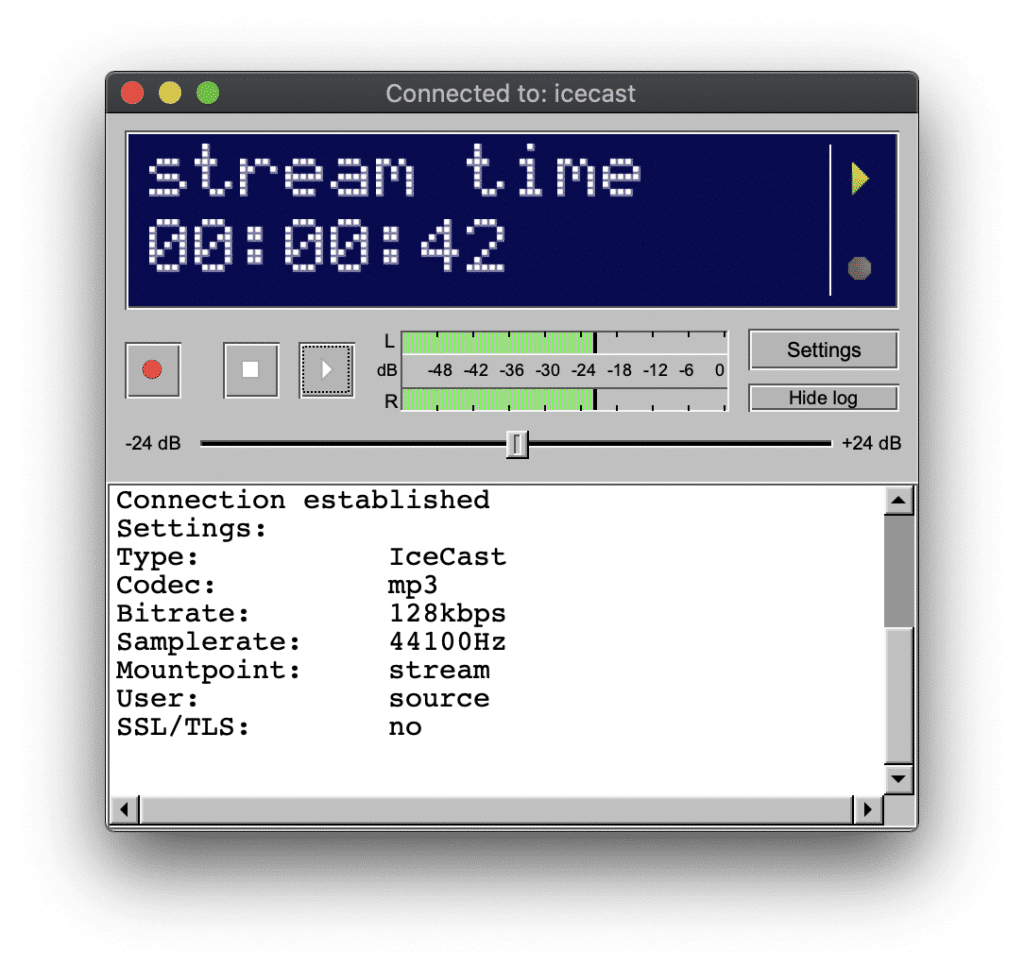
Butt

Broadcast Using This Tool window


Broadcast Using This Tool is a very useful tool for broadcasting, especially if you use any audio console, it is one of the preferred tools of FM stations for broadcasting.

Winamp / Dsp Shoutcast

A great veteran who is still in force today to create an internet radio. Used to connect a digital audio console to the streaming server, and of course also play your music and any mp3 audio file.

Sam broadcaster

This software is only available for Windows, it is designed to transmit and control all audio from this program. This is an excellent option if the broadcaster will manage all the content that will be transmitted to the online radio.

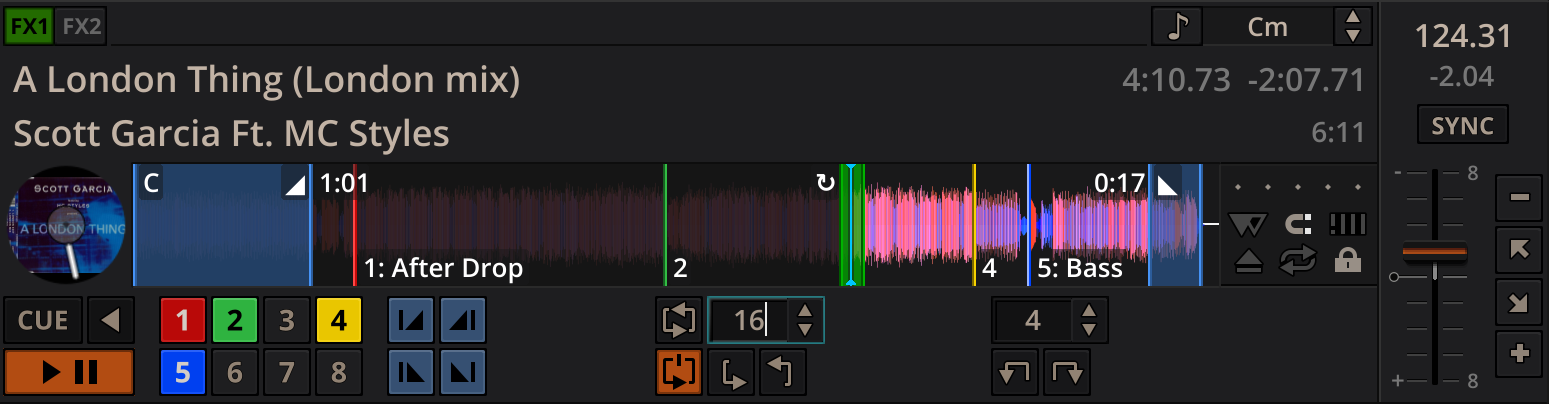
Virtual dj

It is a professional music mixing software (in audio or video formats) that simulates a mixing interface. It was created by the French company Atomix Productions and intended primarily for DJs. It is currently one of the most widely used programs in the professional world.

RadioBOSS

RadioBoss aims to automate live streaming, the developers mention: it is possible to create and manage playlists, insert advertising audios, organize rotations and schedules for continuous music, set up automatic audio leveling, convert and manage audio resources, as well as other professional features. It also allows you to play the playlists in your broadcast system.

MIXXX

tools - how to make internet radio

Mixxx integrates the tools DJs need to perform creative live mixing with digital music files.

Whether you’re a new DJ with just a laptop or an experienced turntablist, Mixxx can support your mixing style and techniques.

Servers to create Internet radio

In MEXISERVER we offer several services focused on internet radios. We can divide the offer into two control panels: SonicPanel and Centovacast.

It is widely spread that there are two software that are used to transmit audio: Shoutcast and Icecast, these simply “work on the server” and the end user does not notice the difference, actually both are heard the same and fulfill their function excellently. Because of this we advise to pay more attention to the control panel, as both panels can also use Shoucast and Icecast.

Both panels have most of the same features: AutoDJ, interval and scheduled playlists, dj accounts for each speaker to have their own access, etc. We recommend reviewing both panels, testing them and requesting the one you like best.

SonicPanel

SonicPanel is the panel with the most updated interface, it has some advantages such as secure https links (SSL) included by default, switch audio systems in a few clicks (between shoutcast and icecast). We recommend checking the general demo, managing playlists and even streaming, you can listen to the broadcast right there in the panel.

See sonicpanel radio streaming plans

Centovacast

One of the great advantages of centovacast is its statistics report, you can even download an Excel report. We can also provide you with an SSL link under https. You can also check the demo at the following link: centovacast demo

See centovacast streaming radio plans

Listen to your online radio on your website

One of the ways for the public to recognize and locate your online radio, is through a website, its content can be heard through a player, there are multiple models, from the simple model in html5 to other more visual with album covers, as we offer and can see in our player generator.

These are some models:


Now you know how to create an internet radio station. Please share this post to your friends and audience..

How to Keep Your Internet Radio Station Broadcasting 24/7 Without Leaving Your Computer On

How to Keep Your Internet Radio Station Broadcasting 24/7 Without Leaving Your Computer On

One of the most common mistakes when launching your first internet radio station is thinking that your computer has to become a technological slave.

Many beginner DJs end up leaving their laptops on day and night in their living room so the music never stops playing. The result? Sky-high electricity bills, overheated equipment, and, worst of all, a radio that cuts out abruptly every time the home internet goes down or Windows decides to restart to install an update.

If you want to run a truly professional radio station, your broadcast can’t rely on your home Internet connection. The solution to this problem is a quiet but powerful tool: AutoDJ.

What exactly is AutoDJ?

Imagine if you could hire a “ghost” radio operator who doesn’t get paid, never sleeps, and lives entirely in the cloud. That’s AutoDJ.

Technically, it’s an automated system integrated into the best radio streaming servers. Instead of streaming music from your computer to the world, you upload your MP3 files directly to the server’s hard drives. The server handles mixing the songs, playing your jingles, and keeping the broadcast live 24/7—even if your computer is turned off and you’re traveling.

3 Amazing Benefits of Using AutoDJ on Your Station

  1. Save energy and equipment: Your computer is yours again. You only turn it on when you’re going to broadcast a live show with your microphone. The moment you go offline, AutoDJ automatically takes over and continues with the music programming.

  2. No outages due to local internet failures: If your home internet goes down during a storm, your listeners will never know. Since AutoDJ music is streamed from a professional data center with redundant fiber-optic connections, your radio signal remains uninterrupted.

  3. Smart Programming (Playlists): It’s not just about playing songs at random. A good AutoDJ interface lets you create specific rules. For example: play pop music in the mornings, air your station’s jingle every 4 songs, and automatically switch to ballads starting at 10:00 p.m.

The Dangers of Cheap Streaming Servers

This is where many projects fail. There are providers that offer you “free radio” or at ridiculously low prices—like two dollars—but they limit you to 100 MB of space for your AutoDJ (which barely fits 20 songs) or use servers that are so slow that the music sounds robotic.

Your radio station deserves an infrastructure that supports your growth without you having to sell a kidney.

Broadcast with the reliability of the pros

At MexiServer, we understand that stability is at the heart of your station. That’s why our radio streaming plans not only include AutoDJ powered by modern control panels like SonicPanel, but also run on ultra-fast NVMe servers.

You can upload hundreds of songs, set up your playlists in minutes, and rest assured that your station will sound flawless 24 hours a day.

Don’t leave the success of your radio station at the mercy of your home internet connection.

👉 CLICK HERE to hear the sound quality of our live stream and choose the perfect plan for your radio station.

//
Nuestro equipo de atención al cliente está aquí para responder a sus preguntas.
👋 Hola ¿Cómo puedo ayudar?