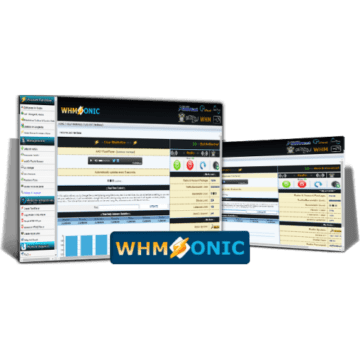
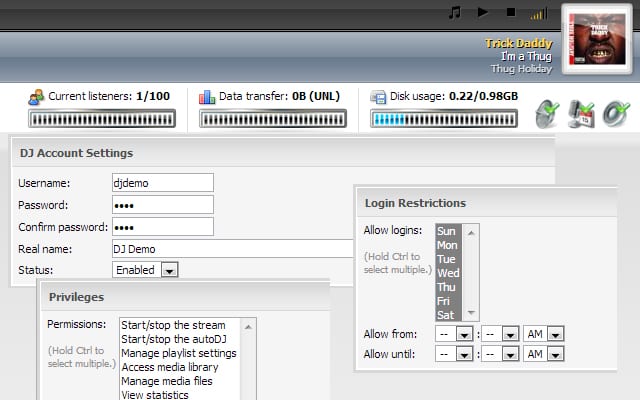
With this DJ Manager Configuration in WHMSonic, you will be able to broadcast from your broadcast software (Sam Broadcaster, Virtual DJ, Winamp), without having to disable your AutoDJ. When you stop transmitting the server will automatically send the AutoDJ signal, all automatically!!!!
With this Videotutorial on SAM Broadcaster configuration, you will learn how to set up from scratch and transmit immediately!
SAM Broadcaster is an Internet radio broadcasting software. The name “SAM” is an acronym for Streaming Audio Manager, which describes the functionality of the software. The software features functionality to run an Internet radio station from a computer. It can be used for live streaming by selecting the tracks to be played and mixing the sound, as well as fully automated.
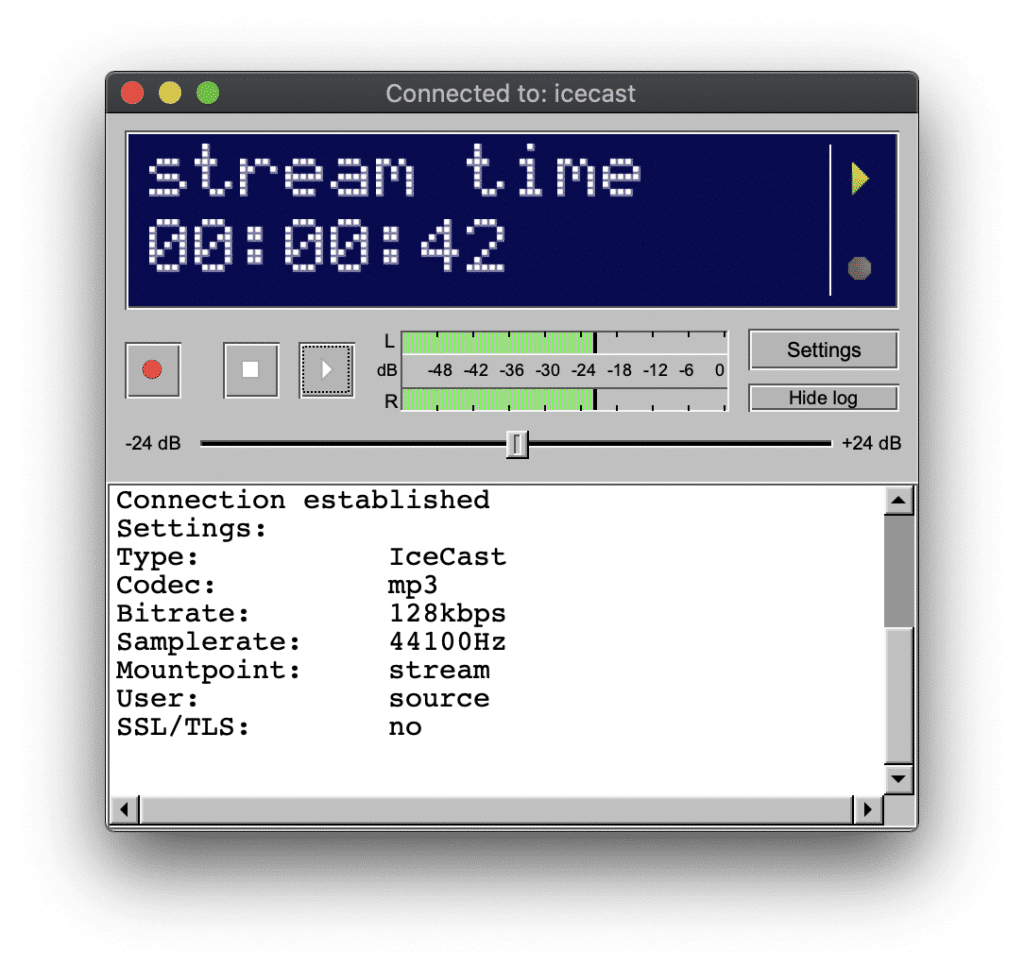
SAM Broadcaster connects to the most common broadcast servers, such as SHOUTcast, SHOUTcast2, Icecast, Icecast2, as well as some web servers such as Live365.
From the company MEXISERVER, we want to clarify that we do not provide the SAM Broadcaster program because it is a paid license program, if you already have it installed we help you to configure it so you can make the broadcast with our Audio Streaming Radio Service.
With this Videotutorial on how to configure AutoDJ in WHMSonic, you will learn how to configure AutoDJ in your streaming radio service with WHMSonic panel. This way your radio will always have music, even when you are not broadcasting live, AutoDJ will play the tracks you have uploaded to your streaming radio service automatically.
If you are wondering how to create an Internet radio, you will be surprised that it is really easy and fast, you only need a computer (Desktop or Laptop), a microphone, it is possible to use the built-in microphone of your PC or a WebCam. To create an Internet Radio Station, you also need a streaming software and an online radio server, which we will explain below.
Most of the current internet connections allow a smooth audio transmission, we suggest an upload connection of at least 0.5 Mbps or 500 kbps, but the connection must be stable to avoid cuts during the transmission.
Although the configuration can be very simple and basic, you can also create professional configurations with professional audio consoles and microphones, and it is even possible to interact remotely between several speakers or with the audience.
Summary Requirements:
– Computer (desktop or laptop)
– Internet connection
– Transmission software
– Radio Streaming Server
– Website or Blog where to place your radio player, can be free (with advertising) or paid (easy to use website builder).
Software to create an Internet radio
It is necessary to use a program that connects your computer to the streaming server. There is a wide range of programs available for online broadcasting, our suggestion is always to review several options, try them out and choose the one that best suits your internet station. They have different approaches and functions, some are free and others are paid:
Broadcast Using This Tool is a very useful tool for broadcasting, especially if you use any audio console, it is one of the preferred tools of FM stations for broadcasting.
Winamp / Dsp Shoutcast
A great veteran who is still in force today to create an internet radio. Used to connect a digital audio console to the streaming server, and of course also play your music and any mp3 audio file.
Sam broadcaster
This software is only available for Windows, it is designed to transmit and control all audio from this program. This is an excellent option if the broadcaster will manage all the content that will be transmitted to the online radio.
Virtual dj
It is a professional music mixing software (in audio or video formats) that simulates a mixing interface. It was created by the French company Atomix Productions and intended primarily for DJs. It is currently one of the most widely used programs in the professional world.
RadioBOSS
RadioBoss aims to automate live streaming, the developers mention: it is possible to create and manage playlists, insert advertising audios, organize rotations and schedules for continuous music, set up automatic audio leveling, convert and manage audio resources, as well as other professional features. It also allows you to play the playlists in your broadcast system.
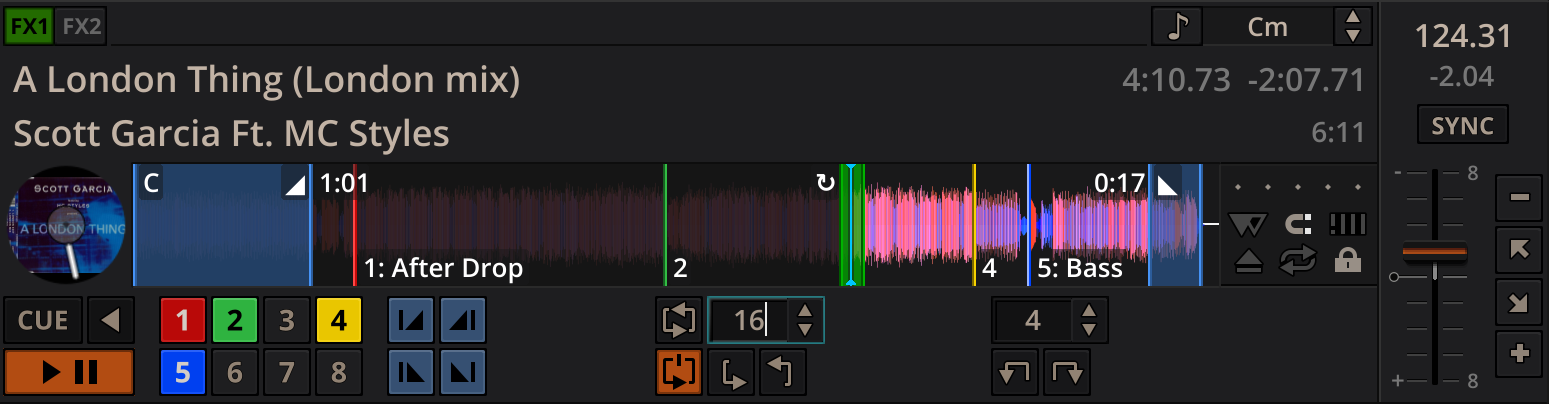
Mixxx integrates the tools DJs need to perform creative live mixing with digital music files.
Whether you’re a new DJ with just a laptop or an experienced turntablist, Mixxx can support your mixing style and techniques.
Servers to create Internet radio
In MEXISERVER we offer several services focused on internet radios. We can divide the offer into two control panels: SonicPanel and Centovacast.
It is widely spread that there are two software that are used to transmit audio: Shoutcast and Icecast, these simply “work on the server” and the end user does not notice the difference, actually both are heard the same and fulfill their function excellently. Because of this we advise to pay more attention to the control panel, as both panels can also use Shoucast and Icecast.
Both panels have most of the same features: AutoDJ, interval and scheduled playlists, dj accounts for each speaker to have their own access, etc. We recommend reviewing both panels, testing them and requesting the one you like best.
SonicPanel is the panel with the most updated interface, it has some advantages such as secure https links (SSL) included by default, switch audio systems in a few clicks (between shoutcast and icecast). We recommend checking the general demo, managing playlists and even streaming, you can listen to the broadcast right there in the panel.
One of the great advantages of centovacast is its statistics report, you can even download an Excel report. We can also provide you with an SSL link under https. You can also check the demo at the following link: centovacast demo
One of the ways for the public to recognize and locate your online radio, is through a website, its content can be heard through a player, there are multiple models, from the simple model in html5 to other more visual with album covers, as we offer and can see in our player generator.
These are some models:
Now you know how to create an internet radio station. Please share this post to your friends and audience..
Privacidad & Política de Cookies
Nuestro sitio web utiliza cookies para distinguirte de otros usuarios que visitan nuestra página. El uso de cookies nos ayuda a proporcionarte un servicio específico, entenderte mejor y facilitarte el uso de nuestro sitio web. Al continuar navegando en nuestro sitio, estás dando tu consentimiento para el uso de cookies.
Puedes obtener más información en nuestra Política de Privacidad. Aceptar
Privacidad & Política de Cookies
Privacy Overview
This website uses cookies to improve your experience while you navigate through the website. Out of these, the cookies that are categorized as necessary are stored on your browser as they are essential for the working of basic functionalities of the website. We also use third-party cookies that help us analyze and understand how you use this website. These cookies will be stored in your browser only with your consent. You also have the option to opt-out of these cookies. But opting out of some of these cookies may affect your browsing experience.
Necessary cookies are absolutely essential for the website to function properly. This category only includes cookies that ensures basic functionalities and security features of the website. These cookies do not store any personal information.
Any cookies that may not be particularly necessary for the website to function and is used specifically to collect user personal data via analytics, ads, other embedded contents are termed as non-necessary cookies. It is mandatory to procure user consent prior to running these cookies on your website.
Nuestro equipo de atención al cliente está aquí para responder a sus preguntas.