



















How to Stream Live Video on Your Own Website (Without Relying on YouTube or Facebook)
How to Stream Live Video on Your Own Website (Without Relying on YouTube or Facebook)
Imagine this: You have everything ready. The lights are on, the camera is focused, and your excited audience is tuned in to the live event you’ve been planning for weeks. You start speaking, and suddenly, the screen goes black.
A red message pops up: “Your broadcast has been interrupted due to a copyright claim.” The reason? A car drove down the street with the radio blaring, and the microphone picked up 5 seconds of a famous song. Your event was ruined, and all your hard work went down the drain.
If you use YouTube, Facebook, or Twitch to livestream, this nightmare is a constant threat. And that’s normal: these platforms own “the house,” and you’re just a guest. You play by their rules.
But what if you could build your own house? Today I’ll explain how to take full control of your stream and broadcast live video directly on your website—uncensored and without intermediaries.
The Illusion of “Free” Social Media
Don’t get me wrong—social media is great for gaining new followers. But relying 100% on it for your official stream has three serious problems:
The Copyright Guillotine: Facebook and YouTube’s algorithms are relentless. If you’re going to stream a church service, a sporting event, or a program with background music, it’s almost certain that they’ll mute your audio or cut off your live stream.
Ads You Have No Control Over: Right at the most crucial moment of your stream, YouTube might decide to show your viewers a 15-second commercial. You don’t make a peso from it, and your audience loses track of what’s going on.
Capturing Your Audience’s Attention: When you stream on social media, people are just one click away from getting distracted by cat videos or notifications. If you stream on your own website, the only distractions they have are your sales buttons, your articles, and your products.
The Solution: Your Own Video Streaming Server
The professional solution used by local TV stations, religious institutions, and creators of premium courses is called Private Video Streaming.
It works exactly like your own online TV channel.
The analogy is simple: Instead of sending your camera’s feed to Mark Zuckerberg’s or Google’s servers, you send it to a private server that you rent. This server generates a small piece of code (like a player) that you embed on your website.
When people visit tu-pagina.com, they see your live video. No external ads, no interruptions from overzealous algorithms, and your logo shining in the corner.
Is it really hard to set up? (Spoiler: No)
The biggest myth is that you need to be an engineer to do this. The reality is that it only takes three steps:
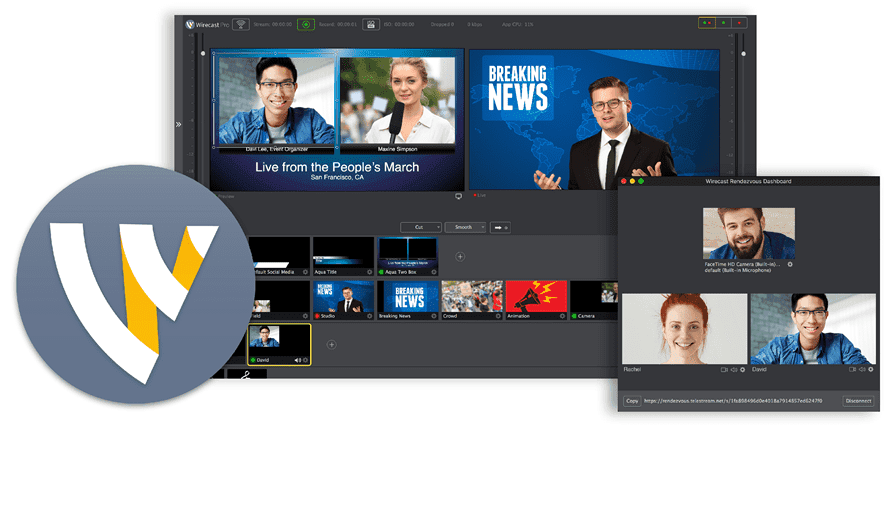
Your setup: Use a free program like OBS Studio on your computer (it’s the same one YouTubers use) and connect your camera.
Your server: Enter the secret key provided by your hosting provider into OBS.
Your website: Embed the player on your WordPress site. And that’s it!
Protect your event and your audience
If you’re charging for tickets to a live course, if you’re going to broadcast a government or religious event, or if you’re simply tired of your signal cutting out in the middle of a program, you need professional infrastructure.
At MexiServer, we’ve been offering premium video streaming infrastructure for years. We provide you with a ready-to-use control panel. All you have to do is connect your OBS, embed the player on your website, and we’ll make sure the video streams in high definition, without interruptions or ridiculous blocks.
Your content belongs to you. Your stream should, too.
👉 CLICK HERE to learn about our video streaming plans and take control of your signal today.
